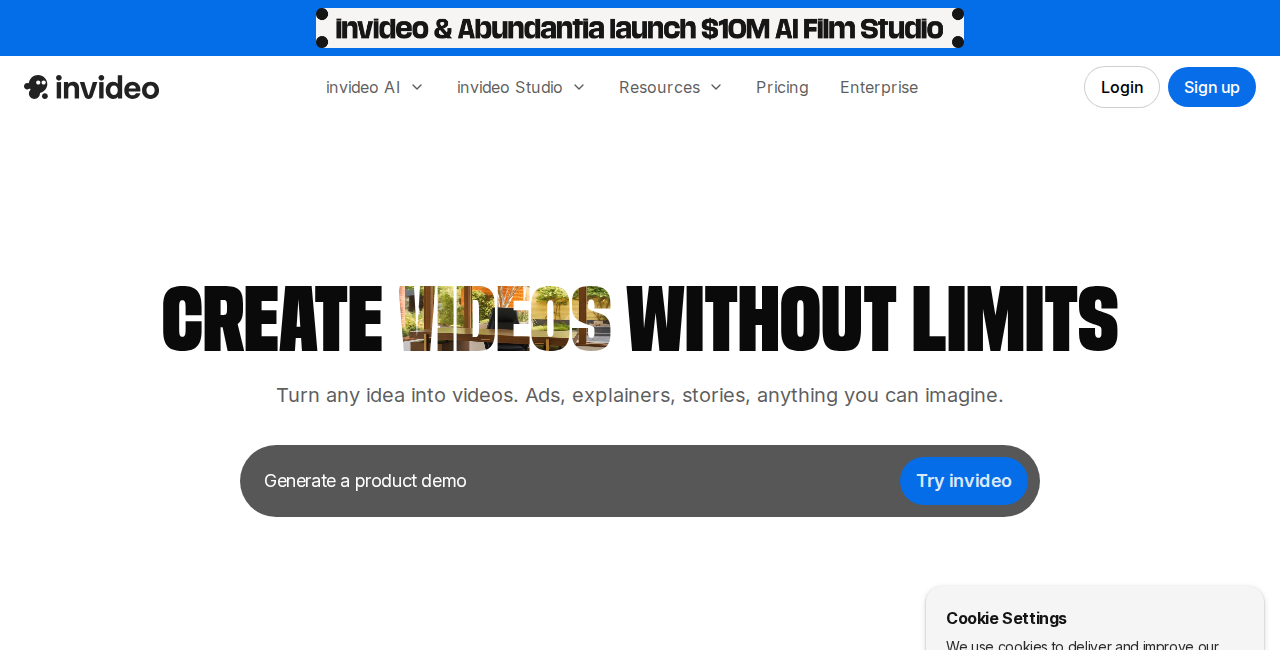
Is InVideo AI worth paying for in 2026? I’ve tested the platform across multiple plans — from the free tier to Max — to give you an honest answer. Short version: it’s one of the best AI video generators for content creators who want professional-looking faceless videos without recording themselves. Here’s the full breakdown.
What Is InVideo AI?
InVideo AI is a text-to-video platform that turns written prompts into fully produced videos — complete with script, stock footage, AI voiceover, captions, and background music. You type what you want (“make a 5-minute YouTube video about the best AI tools for 2026”) and InVideo builds the entire video. You then edit using natural language commands via the Magic Box editor.
InVideo AI Key Features
- Text-to-video generation: Full video from a single prompt — script, visuals, narration, music
- Magic Box editor: Edit by typing commands (“remove the subtitle in scene 3”, “make the voiceover slower”)
- AI voiceover: 140+ languages and accents, human-sounding quality
- Voice cloning: Clone your own voice for personalized narration (paid plans)
- Multilingual dubbing: Auto-dub any video into 10+ languages
- 16M+ media library: Royalty-free photos, video clips, and music
- iStock premium media: Getty/iStock assets on paid plans (95–3,200 assets/month)
- Auto captions: Generated and synced automatically
- Full HD export: Available on all plans including free
InVideo AI Pros and Cons
Pros
- Fastest text-to-video workflow of any tool I’ve tested
- Natural language editing is genuinely useful — no timeline scrubbing
- Free plan is actually free (not a trial)
- Best value for AI video minutes at scale
- Voice cloning works well even with 30-second samples
- Multilingual support is excellent for global content
Cons
- AI minute caps on affordable plans run out fast for heavy users
- Stock footage can feel generic without iStock premium access
- Not ideal for high-end, cinematic-quality video production
- No desktop app — browser-only
- Watermark on all free exports
InVideo AI Pricing — Is It Worth the Cost?
At full price, InVideo AI Plus is $35/month. That’s reasonable for 50 AI video minutes per month. But the real value unlocks when you combine annual billing with a coupon code — the Plus plan drops to roughly $14/month with INVIDEO50, making it the most affordable entry point in the AI video category.
👉 Get the latest InVideo discount codes →
Who Should Use InVideo AI?
InVideo AI is best for: YouTube creators making faceless content, social media managers, marketers creating explainer videos, and small business owners who need professional videos without hiring a videographer.
Not ideal for: Filmmakers, agencies needing client-grade cinematic output, or anyone wanting frame-by-frame timeline control.
InVideo AI Verdict
Rating: 4.3/5 — InVideo AI is the best all-round text-to-video tool for content creators on a budget, especially when combined with a coupon code. The free plan is genuinely useful for testing, and the paid plans offer more AI minutes per dollar than any direct competitor. If you’re building a YouTube channel or content pipeline, this is the tool to start with.