Can you use InVideo for free? Yes — and unlike most SaaS “free trials,” InVideo’s free plan doesn’t expire. This guide covers exactly what the free plan includes, what’s locked behind paid tiers, and how to get the most out of InVideo without spending a penny — or as little as possible.
Is InVideo Free? (The Honest Answer)
InVideo has a permanently free plan that requires no credit card. It’s not a 7-day trial or a freemium bait-and-switch. You can create and export videos for free indefinitely — with some limits.
What the InVideo Free Plan Includes
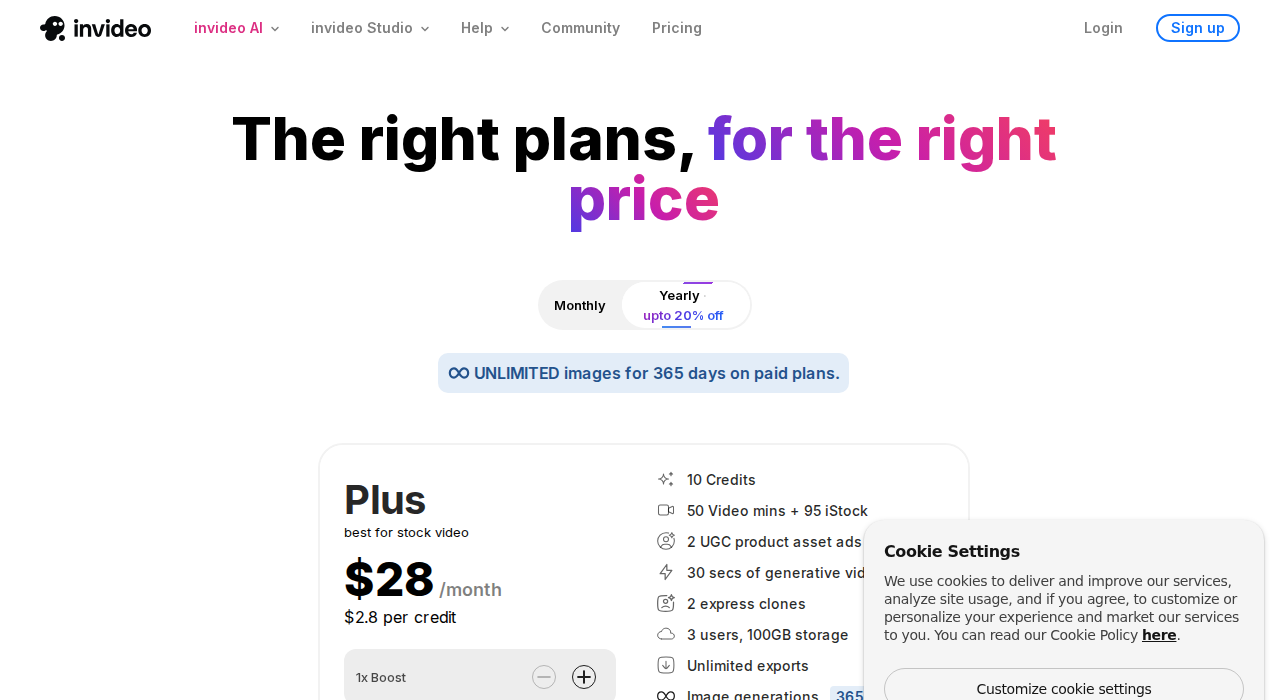
| Feature | Free Plan | Plus Plan |
|---|---|---|
| Video exports/week | 4 | Unlimited |
| AI generation minutes | 10 mins/week | 50 mins/month |
| Watermark on exports | ✅ Yes (InVideo branding) | ❌ No |
| Cloud storage | 10 GB | 100 GB |
| iStock premium media | ❌ No | 95 assets/month |
| Voice cloning | ❌ No | ✅ Yes |
| Multilingual dubbing | ❌ No | ✅ Yes |
| Templates | 6,000+ | 6,000+ |
| Export quality | Full HD | Full HD |
Free Plan Limitations — What You Can’t Do
- Watermark: Every exported video has “Made with InVideo” branding — not usable for professional or client work
- Weekly AI cap: 10 minutes of AI generation per week resets every 7 days — enough for testing, not for a content channel
- Export limit: 4 exports per week maximum
- No iStock: You’re limited to the royalty-free library (still 16M+ assets, but no premium Getty footage)
- No voice cloning: You can use AI voices, but can’t clone your own
How to Get InVideo Free Without Watermark
There’s no legitimate way to remove the watermark on the free plan — it’s the main reason InVideo keeps the free tier free. Your options:
- Use InVideo free for testing only — then upgrade when you’re ready to publish
- Upgrade to Plus with a coupon code — using INVIDEO50 on annual billing brings Plus down to ~$14/month, removing watermarks and unlocking full AI minutes
- Watch for free trial promotions — InVideo occasionally offers extended trials during major sales events
👉 See working InVideo coupon codes to upgrade at the lowest price →
Is the InVideo Free Plan Worth Using?
Yes — for testing and learning. The free plan gives you genuine access to InVideo’s AI video creation workflow. You can test prompts, try the Magic Box editor, and evaluate the quality of generated videos before committing to a paid plan. For publishing actual content to YouTube or social media, you’ll want to upgrade — even the cheapest paid option with a discount code removes all the key limitations.